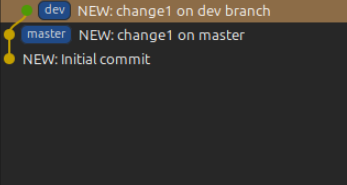
In this post, let’s see how to rebase a branch with head on master.
Time0: Brand new git repo with 1 commit on master

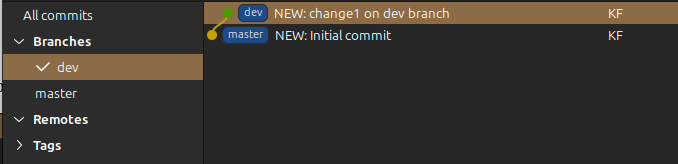
Time1: Create a dev branch and add a change
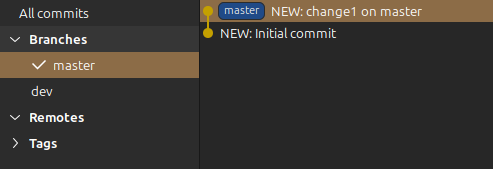
Time2: Switch to master and add a change
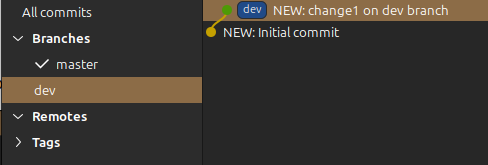
If I check the graph of the dev branch, I see that it is branched off the initial commit. If someone switch to the dev branch now, change1 on master will not be available.
Time3: Rebase my dev branch against head on master
❯ git switch dev
❯ git rebase master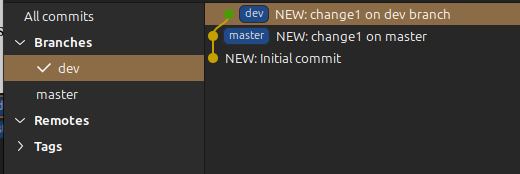
Now dev branch is spun off from head on master!
If you want to rebase your local branch with the remote master, the process is similar.
❯git switch change/some-changes
❯git rebase origin/master
❯git push origin change/some-changes --force
